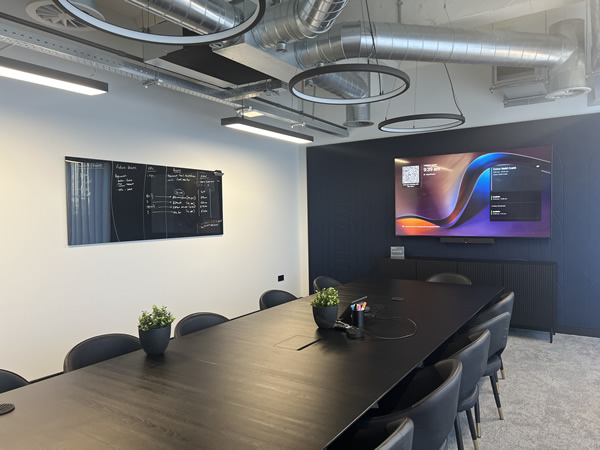
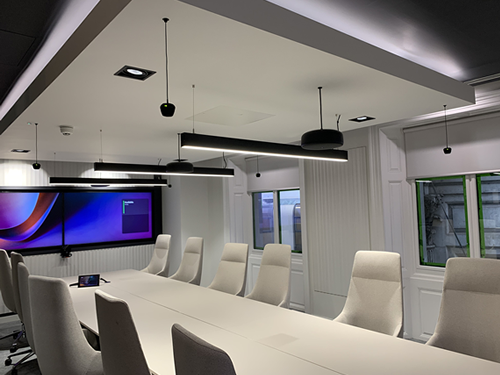
See which meeting rooms are available and book a space from your calendar or the touchscreen outside. Evoko Liso helps staff manage meetings and makes unused bookings easier to identify.


Clear availability, simpler bookings
When you need somewhere to meet, a closed door doesn’t tell you whether a room is booked. Evoko Liso displays its booking status, current meeting and upcoming reservations, so staff can check before interrupting.
We helps you plan, install and configure the system around your meeting spaces and existing calendar platform.
Contact Us
Tell us how many meeting rooms you manage, which calendar system you use and what you’d like to improve. We’ll help you assess Evoko Liso and talk through installation, configuration, training and ongoing support.
Green – The room is available for more than 10 minutes

Amber – Check-in required. A meeting starts within the next 10 minutes
Red – The room is occupied
MAKE HYBRID WORKING EASIER
Give staff a clear view of availability and straightforward controls for everyday bookings. Facilities and IT teams can manage room settings centrally and understand how meeting spaces are being used.
Colour-coded lights show whether rooms are available, booked or awaiting check-in. The touchscreen reveals meeting details as you approach, while overview screens show availability across a floor or building.
Enable check-in to confirm meetings are going ahead. Automatic cancellation can release unconfirmed reservations, while staff can end bookings early to make rooms available for colleagues to use.
Book through supported calendars such as Microsoft 365 and Google Workspace, or directly on the touchscreen. End or extend meetings and find another room by capacity and equipment.
Manage devices, booking rules and usage reports centrally through your organisation’s hosted Evoko Home system. Support multiple sites and let staff report equipment issues directly from the room panel.
Better insights
Gain a full insight into your organisation’s meeting schedules, to really optimise resources that help with decision making. Evoko Home – the room scheduling system, also offers multi-site management options with permission control and real-time unit monitoring. Customise booking rules and restrictions. Automatic cancellation of unconfirmed bookings for better reporting and analytics on room utilisation. Reduce conflicts and double bookings to increase productivity, saving employees’ time. Improved resource allocation and cost savings for organisations.
see what’s available
See the full meeting room schedule at a glance with the Overview screen in Evoko Home. Choose between the entire building or just one floor. An easy-to-use interface for both administrators and users.
It’s easy to see what rooms are available, what’s booked and what’s soon to be occupied just by the red, green & amber colour coding system. The handy arrows also make it easy to see where meeting rooms are in relation to you, so you can find something nearby.
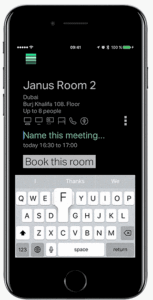
Mobile Booking
Working on the go is now even easier! Book, share and invite colleagues to the meeting, with easy to use filters like time, capacity & equipment. You’ll see best matches first, as well as suggestions if you’re preference isn’t available.
Ideal booking
Evoko Booking is the latest advance. It’s ideal in co-working collaborative environments where you use shared office spaces.