
Have You Standardised on USB-C in Your Meeting Room?
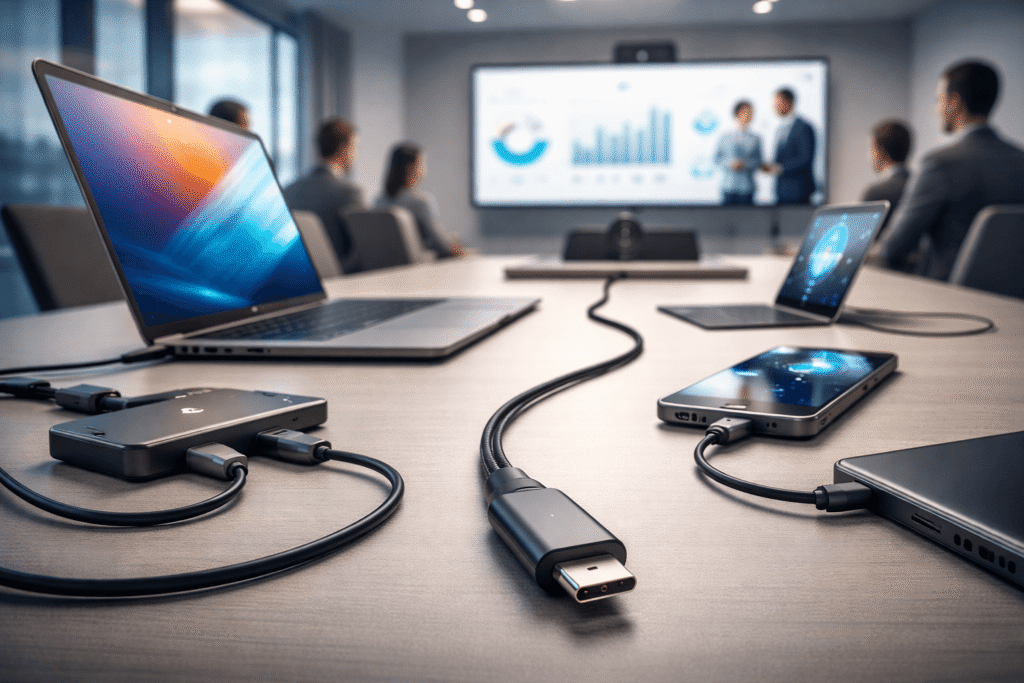
How we link and power our gadgets is evolving and it’s not something companies can afford to overlook anymore. USB-C is now the international standard, thanks to new legislation that aims to streamline connections and decrease e-waste. Your conference rooms may not have adapted yet, but you might already be seeing the effects. Why USB-C Is Now the Standard In 2024, EU passed regulations stipulating that USB-C will be used as a standardised charging port on many devices, such as phones, tablets and others. This regulation not only affects the manufacturers themselves but the businesses using such devices as well. The increasing number of devices entering the workspace means that the USB-C port becomes dominant. What This Means for Your Meeting Rooms Modern conference rooms need to be well-connected – however, the combination of different cables and old-style ports can very easily cause problems. In case your system is not yet standardised, you will face: 1. Compatibility Issues Your employees or guests with new-style USB-C connections may find it difficult to connect their devices to HDMI/USB-A or other old-style ports without adapters. 2. Clutter and Confusion Different cables mean cluttering and confusion during meetings – time is wasted on figuring out which cable should be used. 3. Decreased Productivity Losing precious time connecting devices or finding necessary adapters is going to make a difference when conducting a professional meeting. 4. Poor UX Non-standardised equipment leads to user frustration, especially when dealing with clients. The Business Risks of Not Standardising Non-compliance with USB-C does not simply make things harder; there are other consequences: The trend towards devices with fewer legacy ports means becoming increasingly dependent on outdated technology is unsustainable. The Benefits of a USB-C Standardised Workspace Standardising meeting rooms based on the use of USB-C has its immediate and future benefits, which include: Is It Time to Upgrade? For all those using different connection options for their meeting rooms, it is high time that you considered upgrading them. Transitioning to USB-C is not only essential for compliance but will also allow for a seamless user experience. The USB-C is no longer the future – it is the present reality. Companies that move quickly can reap the rewards of streamlined and dependable meeting facilities, while companies that hesitate will find themselves at a disadvantage. For anyone seeking to standardise their meeting rooms and secure their audio-visual capabilities for the future, reach out to us and we’ll show you how.
Unlock the Power of Microsoft Teams Facilitator with Expert AV Integration
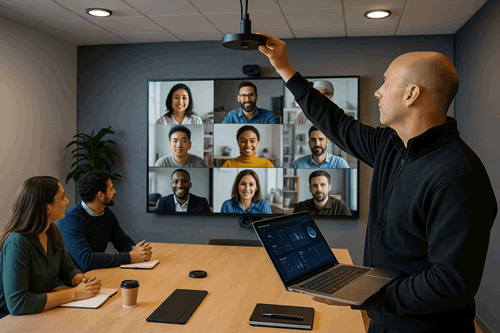
Microsoft’s new Facilitator agent is changing the game for how Teams meetings work. With AI-powered note-taking, action items tracking, meeting summarization and live Q&A, it’s designed to help make collaboration more straightforward and effective. Yet actual magic is only present when the audio visual and network configuration beneath it is perfect. Remove decent microphones, properly positioned cameras, and a stable connection, and even the most clever AI breaks down. That’s where we come in. Together with us, we design and deploy Teams Rooms solutions that allow Facilitator to do exactly what it was intended – providing high-quality meetings with consistency, not wowing demos. The Right Foundations for Teams Facilitator To maximize the potential of Facilitator, every element of your AV infrastructure needs to be optimized. These are the variables that really count: 1. Clear Microphone Coverage Facilitator relies on good voice pickup to identify speakers and capture conversation topics. With ceiling arrays, beamforming soundbars or distributed microphones, we ensure that all voices within the room are well picked up with the correct placement, calibration and DSP tuning. 2. Smart Camera Framing Facilitator’s AI works best when it can “see” the meeting properly. Our camera configurations provide nicely balanced, context-aware framing so the AI can track individuals with ease — not just stare at faces. 3. Ready Compute & Compatibility Some of Facilitator’s more advanced capabilities depend on Microsoft Copilot licensing and hardware capability. We make sure your Teams Rooms devices have the required processing power, and recommend upgrades where necessary. 4. Stable Network & Low Latency AI-driven meetings demand quick, reliable connections. We help set up your network to provide low-latency, prioritized AV traffic and consistent bandwidth, eliminating the lag and drop-outs that ruin collaboration. 5. Data Privacy & Transparency Facilitator introduces new issues around meeting data, recordings and consent. We help you create clear storage and transparency policies, complying and building trust with internal and external participants. Our Proven Approach We don’t just put in hardware — we deploy collaborative, future-proof meeting rooms. This is how we roll out Teams Facilitator-ready rooms: Start small, ramp fast – We initiate a pilot in several high-priority rooms to tune your AV configurations and meeting workflows. Get audio right first – Audio quality is the cornerstone of productive meetings. Test real-life scenarios – We simulate meeting workflows from beginning to end to ensure trouble-free integration. Plan for every eventuality – We develop contingency plans for when the AI needs a helping hand. Empower your team – Our user training and one-page guides get staff familiar with new functionality. Why choose us By selecting Rapid Technologies, you’re not just empowering Microsoft Facilitator — you’re future-proofing collaboration. We provide: Make Your Meetings Work Smarter Facilitator can make meetings more productive than ever before — if it’s supported by a strong, intelligently designed AV infrastructure. We can make that promise a daily reality. Talk to our team today about designing or optimizing your Microsoft Teams Rooms for Facilitator readiness.
Wireless Sharing: Breaking Down Barriers to Creativity and Collaboration
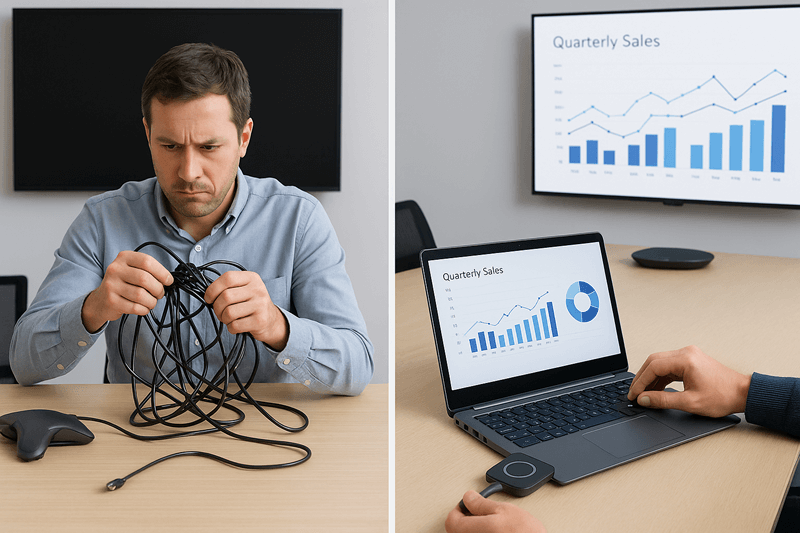
We’ve all been there — the meeting’s about to start and everyone’s waiting while someone digs through a drawer of cables trying to find the right one. It’s not exactly the best start to a creative session. Which is why wireless sharing has been the game-changer. By doing away with cables and complicated setup, teams can go straight to sharing images and presentations and ideas, simply at the click of a button. It keeps them on the move, encourages collaboration and lets ideas flow freely. Collaboration Made Simple When everybody can share their screen live, it changes the nature of how meetings occur. Instead of having one person lead the discussion, everybody gets to play a part. It could be showing design ideas off a tablet computer, sharing information from a laptop, or just walking the team through a concept. A solution like Barco ClickShare, Mersive Solstice and Airtame makes it straightforward. They’re compatible with virtually any device, so there is no software to install, no training and no time wasted. It’s technology that works in the background, so people can focus on the ideas, not setup. Perfect for Hybrid Teams With hybrid work becoming the new reality, it is important that remote viewers are as engaged as those present. Wireless sharing solutions accompany platforms like Microsoft Teams, Zoom and Google Meet so all can see and interact with content in real-time. Pair this with the right audio visual setup, from high-quality microphones and displays to room control systems and you’ve got a workspace that makes collaboration simple, no matter where people are joining from. A Solution for Every Space Every room is different, as every team is. It could be a small huddle room, an inspiring breakout area or a large boardroom, we design wireless sharing systems that are tailor-made for your needs. We aim to keep technology simple, yet dependable and completely seamless, so meetings are easy, not stressful. Time to Go Wireless? If you’re fed up with cables and connectivity hiccups slowing down your meetings, it may be time to switch. Wireless sharing has the power to change the way your teams collaborate, connect and create. Contact our team today to learn how we can assist you in selecting the perfect solution for your work environment.