Equip your meeting rooms with Yealink video bars, conference cameras and room systems for Microsoft Teams or Zoom. We help design, install and support Yealink setups for UK workplaces, from small huddle rooms to large boardrooms.
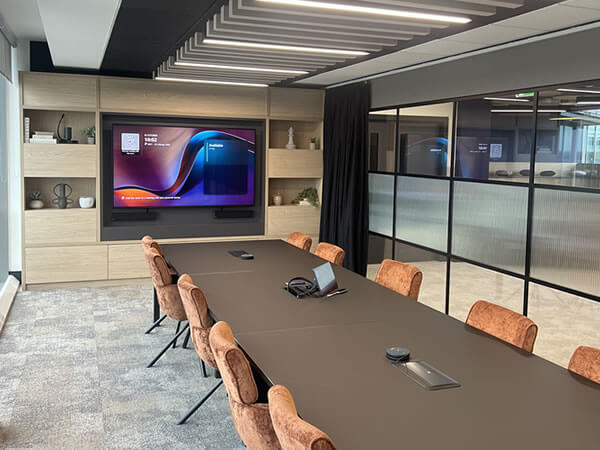
Start with how people use the space. A small meeting room may only need an all-in-one video bar. A boardroom with a long table may need separate cameras and microphones so remote attendees can see and hear people at both ends. We’ll help you choose equipment around your room layout, meeting platform and existing AV.
Speak to an expert
Contact Us
Planning a Yealink meeting room upgrade?
Tell us which meeting platform you use, how many people the room needs to seat and what you’d like to improve. We’ll recommend a Yealink setup and explain what you can reuse from your existing equipment. Our team can support you from design and installation through to training and ongoing maintenance.
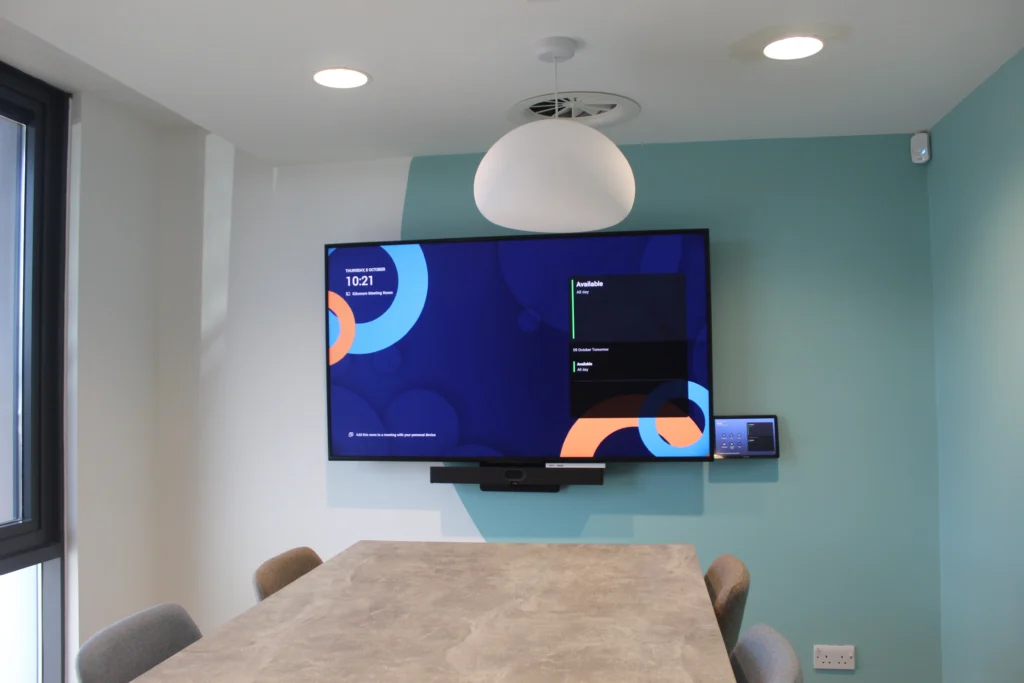
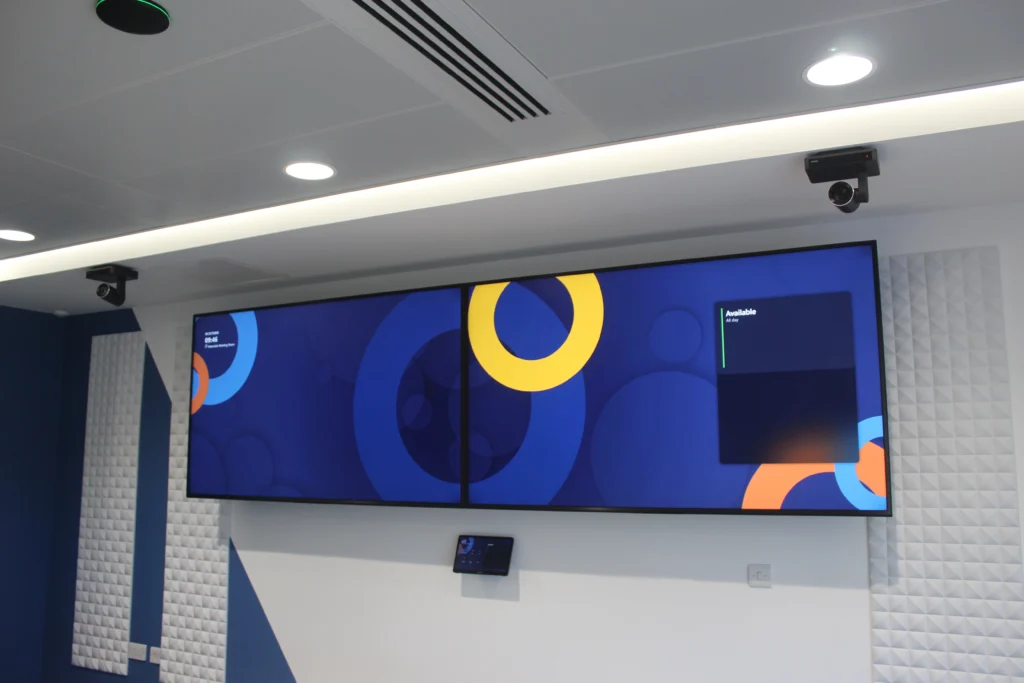
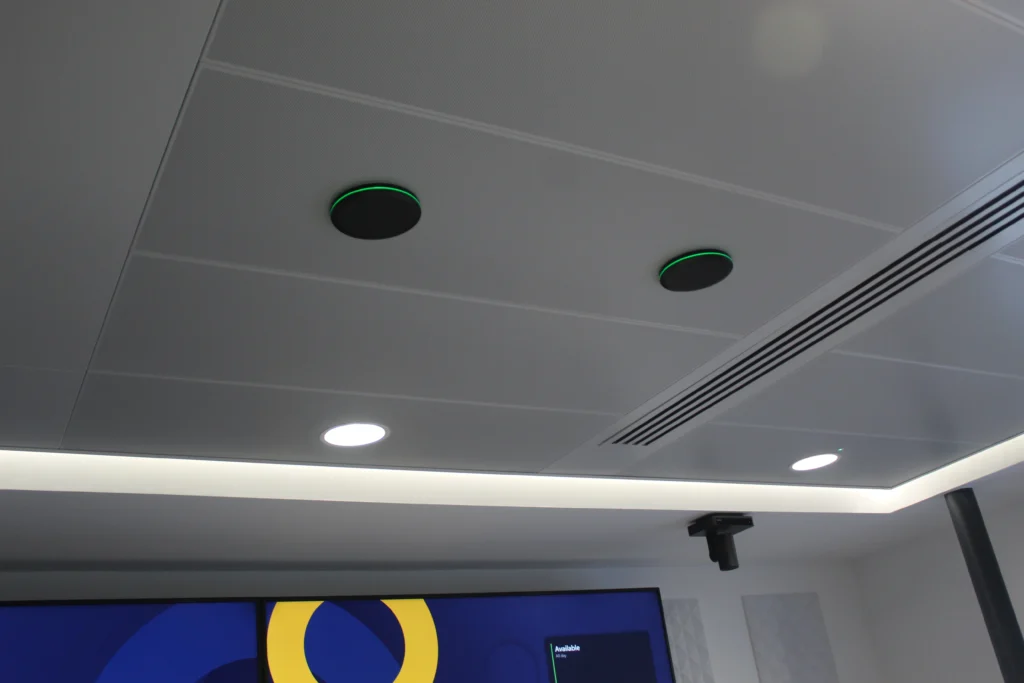
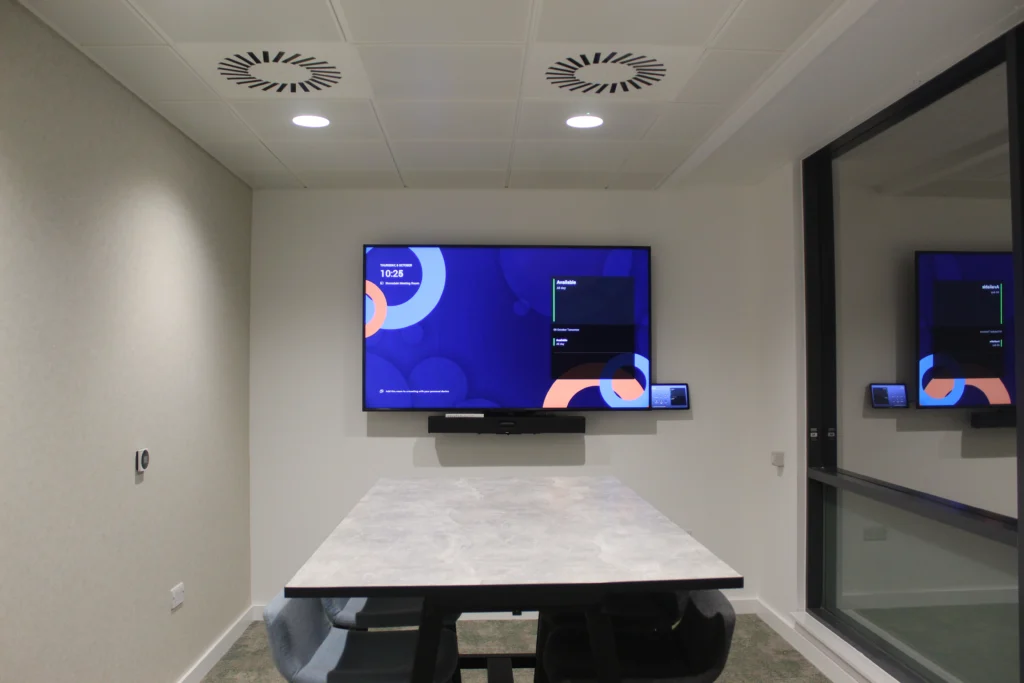
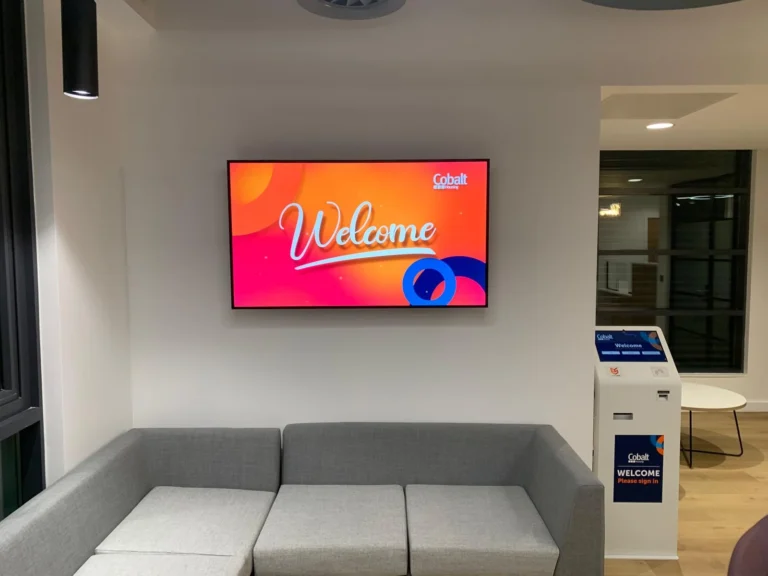
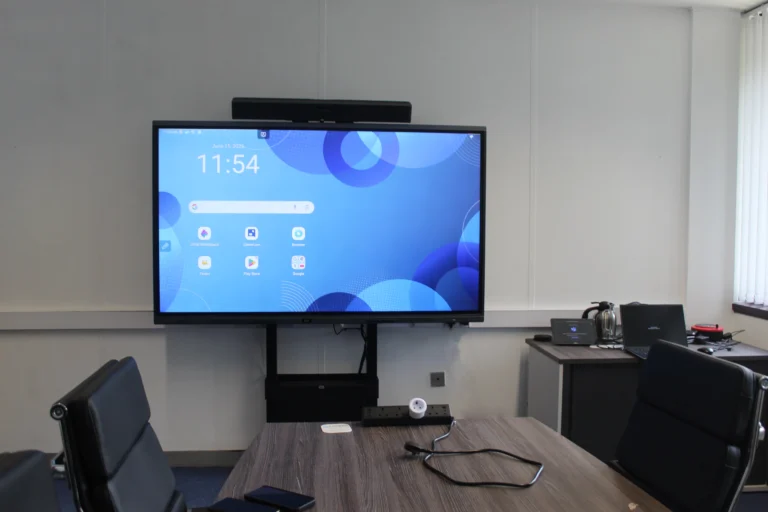
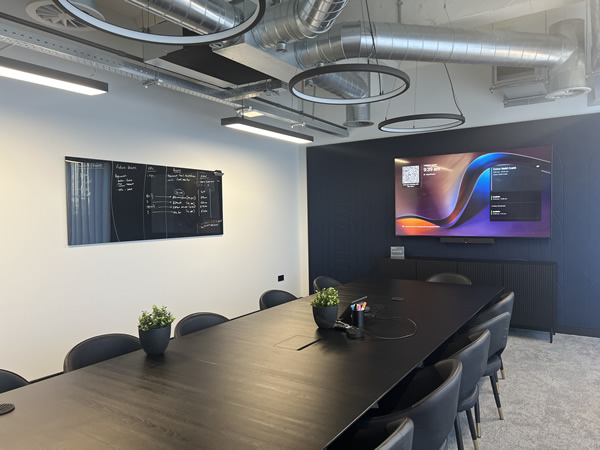
We installed Yealink MeetingBar A40 and A50 systems in Cobalt Housing’s small and medium meeting rooms. In the larger training room and boardroom, we used dual-camera systems and ceiling-mounted microphones to suit the layout of each space.
We provide Microsoft Teams Room solutions for every workplace — from small huddle areas to extra-large conference spaces. Each setup is tailored to deliver clear audio, high-quality video and seamless content sharing, ensuring productive hybrid meetings whatever the size or layout of your room.
Collaboration Display
Bring video meetings, presentations and interactive whiteboarding together on one touchscreen. Suited to collaboration spaces where teams need to share ideas and work on screen.
MeetingBar Video Series
Combine a camera, microphones and speakers in one device. An all-in-one video bar can simplify installation and keep equipment to a minimum in smaller rooms.
UVC Conference Cameras
Choose a conference camera to suit your room layout and seating. Selected models offer automatic framing or speaker tracking to help remote attendees follow the discussion.
Microsoft Teams Kits
Give staff a familiar Teams meeting experience with one-touch joining and dedicated room controls. We’ll help you choose a Windows or Android setup for your space.
Zoom Rooms Kits
Equip your space for Zoom meetings with a compatible Yealink room system. We’ll help you choose a setup with camera coverage and audio suited to the room.
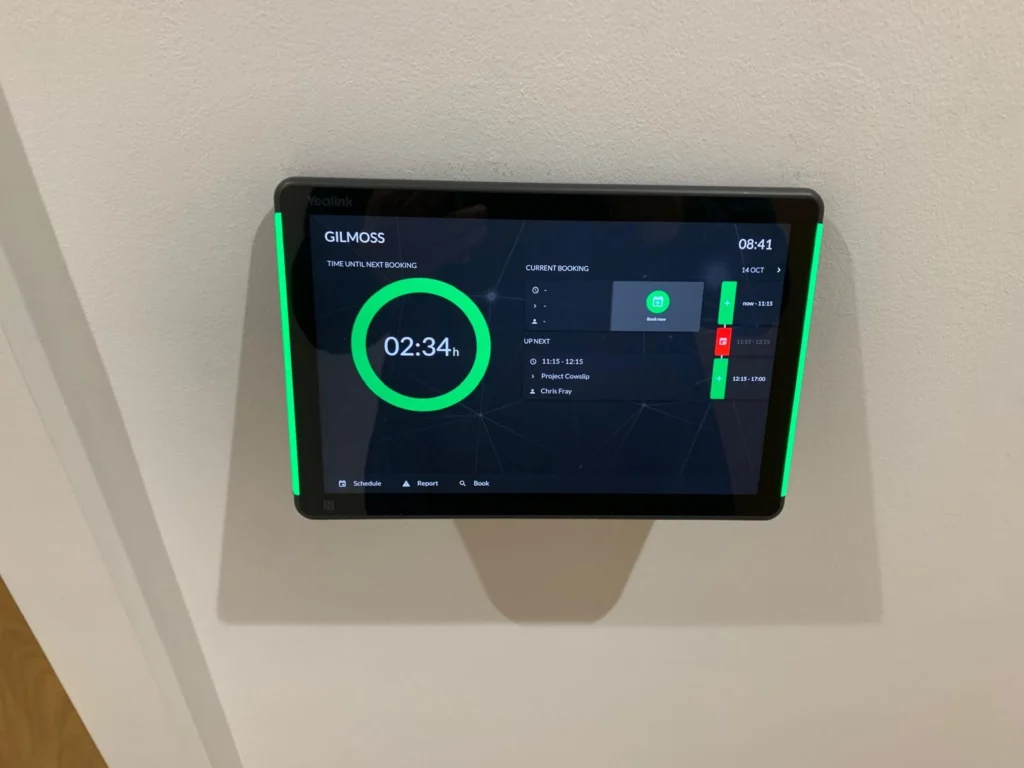
Intelligent Room Booking
Show room availability at the door so staff can see whether a space is free. Compatible setups let staff book directly from the panel.